

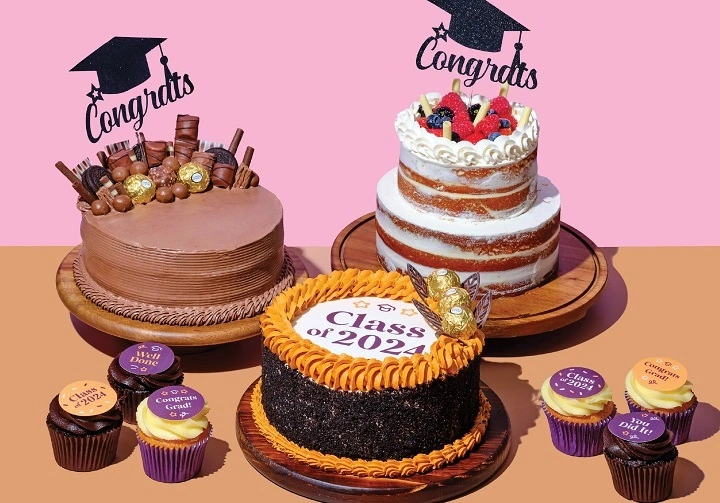
Whether you’re a graphic designer, event planner, social media creator, or just someone who loves a cute aesthetic, Cake PNGs have become go-to digital assets for everything from invitations to Instagram posts. With transparent backgrounds and vibrant details, these images offer a fun and flexible way to sweeten up your visuals—without the crumbs.
What Is a Cake PNG?
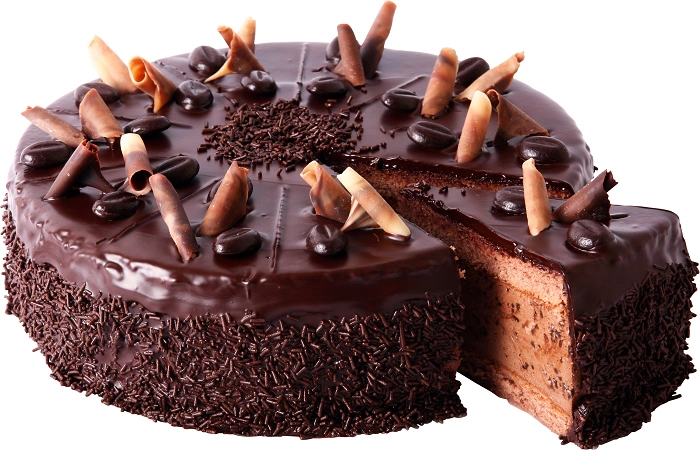
A Cake PNG is a digital image of a cake saved in Portable Network Graphics (.png) format. The key feature of a PNG is its transparent background, which allows designers to layer the cake image over any background seamlessly. Unlike JPGs, PNGs don’t have a white box behind the image, making them ideal for creating clean, polished visuals.
Cake PNGs come in a wide variety—birthday cakes, wedding cakes, cupcakes, slice cakes, and even animated or 3D-style cakes. You’ll find realistic ones that look edible and cartoonish ones perfect for party flyers or kid-friendly content.
Why Use Cake PNGs in Your Designs?
Here’s why Cake PNGs have become a favorite in the world of digital design:
- No background hassle: The transparent background makes layering easy
- Saves time: No need to crop or edit
- Perfect for invitations: Birthday, wedding, or baby shower invites look more festive with a cake element
- Social media ready: Ideal for posts, stories, and event countdowns
- High resolution: Most PNGs maintain crisp detail even when resized
Types of Cake PNGs You’ll Find Online
There’s no shortage of cake designs in PNG format. Here are some popular types you can explore:
🎂 Birthday Cake PNG
These are typically colorful and festive, often topped with candles, sprinkles, or icing text. They’re perfect for birthday cards, e-vites, and party graphics.
💍 Wedding Cake PNG
These tend to be elegant and multi-tiered, decorated with flowers, gold details, or satin ribbons—great for save-the-dates, bridal shower invites, or wedding websites.
🧁 Cupcake PNG
Small, cute, and often used in children’s party designs or food-related blogs. They also work well in baking tutorials and menus.
🍰 Cake Slice PNG
Perfect for food bloggers, YouTube thumbnails, and recipe posts. They show a single slice with frosting layers and fillings visible—mouthwatering and visually sharp.
🥳 Cartoon Cake PNG
Animated-style cakes that bring fun and whimsy to your project. Great for kids’ parties, educational content, or just light-hearted design themes.
🎨 Aesthetic Cake PNG
These feature pastel colors, minimal designs, and often go viral in social media templates, especially within lifestyle and fashion niches.
Best Websites to Download Cake PNGs
Want to grab some cake PNGs right now? These are the most trusted platforms to find them—free and premium.
| Website | Features |
| Pngtree.com | Massive library with thousands of cake PNGs; both free and premium options |
| Freepik.com | Offers PSD and PNG formats; stylish and often modern |
| CleanPNG.com | 100% free PNGs, easy to browse with no login required |
| Pixabay.com | Royalty-free PNG images including cakes, desserts, and more |
| Canva | Built-in cake PNGs you can drag and drop into your design (free & Pro versions) |
| Vexels | Great for high-resolution PNGs with creative designs for commercial use |
Before downloading, always check the usage license. Some PNGs are free only for personal use unless attributed, while others allow commercial use with or without a subscription.
Creative Ways to Use Cake PNGs
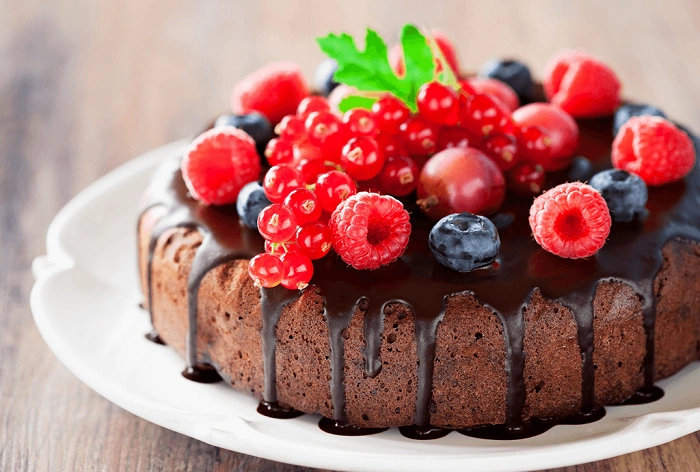
You’re not limited to just invitations or posts. Here’s how else you can get creative with Cake PNGs:
- Blog Graphics: Add visual sweetness to your recipe blog or food diary
- YouTube Thumbnails: Cake PNGs can help attract attention on dessert reviews or cooking tutorials
- Menu Designs: Perfect for bakeries, cafés, and dessert bars
- Stickers: Turn PNGs into printable or digital stickers for planners or apps like GoodNotes
- Classroom Materials: Teachers can use them in worksheets or certificates for birthday shoutouts
- Birthday Countdown Posts: Add daily flair leading up to a big celebration
How to Customize a Cake PNG
Most PNGs come ready to use, but if you want to make them more personalized, here are a few tools you can try:
- Canva: Upload the PNG and add names, dates, or custom backgrounds
- Photoshop: Add layers, filters, and text for complete customization
- Pixlr: A free online editor perfect for quick edits
- PicsArt or Snapseed (mobile apps): Great for personalizing PNGs on your phone
You can add glitter, sparkles, confetti overlays, or even layer multiple PNGs together to build your perfect cake scene.
Cake PNG vs. Other Image Formats
Wondering why PNG is the best option for cake visuals? Let’s break it down.
| Format | Background | Best Use Case |
| PNG | Transparent | Layered designs, social posts, invites |
| JPEG | Solid/white | Photographs, background images |
| SVG | Scalable & vector | Logos, icons, and line art |
| GIF | Animated | Short moving images, often low quality |
PNGs offer the best quality with no background clutter, making them a dream for design workflows.
Whether you’re designing a party invitation, creating content for your bakery, or just adding some sweet flair to your personal project, Cake PNGs are the ideal image asset. With transparent backgrounds, high-quality visuals, and endless style options, these delicious graphics are as versatile as they are charming.
So go ahead—download a slice (or a whole cake) and make your next project a little more delightful.