

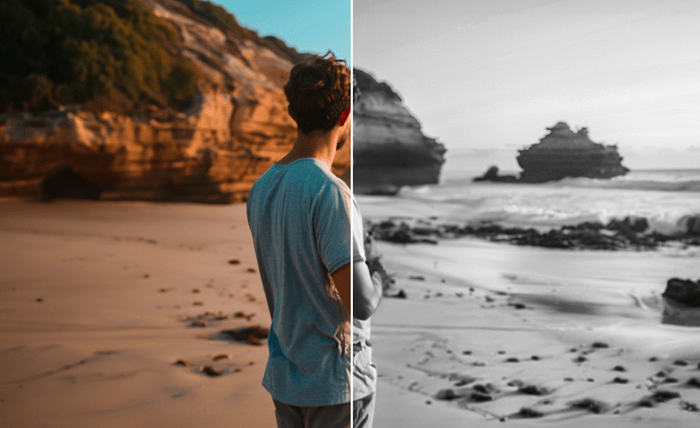
As a travel videographer, returning from a trip often means facing hours of raw footage waiting to be transformed into captivating holiday videos. With tight deadlines and multiple projects on the horizon, mastering bulk editing techniques is essential to streamline your post-travel process. In this blog, we’ll explore strategies to enhance your workflow and deliver stunning holiday video editing results efficiently.
1. Organize Your Footage Immediately
Before diving into the editing process, take the time to organize your clips. Create folders by location, date, or theme to ensure that you can easily access and identify the footage you need. Renaming clips with descriptive titles can further speed up the selection process. For instance, use names like “Paris_EiffelTower_Sunset” instead of generic file names. This initial step is crucial in preventing chaos later on and sets the foundation for a smooth bulk editing workflow.
2. Leverage Batch Import and Sorting Features
Most modern video editing software, like Adobe Premiere Pro or Final Cut Pro, offers batch import and sorting capabilities. Utilize these features to import all your footage at once and automatically sort it based on your pre-defined categories. Applying metadata tags during import can also help you filter clips by camera type, resolution, or other criteria relevant to your project.
3. Create a Rough Cut Sequence
With your footage organized, start by creating a rough cut sequence. This involves selecting the best clips and arranging them in a basic timeline that follows your narrative. Focus on establishing the flow of your holiday video without worrying about fine details. This stage is about visualizing the story and ensuring that you have all necessary segments in place. Remember, the key to effective holiday video editing is maintaining a coherent and engaging storyline.
4. Utilize Presets and Templates
Speed up your editing process by using presets and templates. These could include color grading presets to achieve a consistent look, title templates for seamless transitions, or motion graphics that enhance your storytelling. Many editing programs offer built-in templates, and there are plenty of third-party resources available online. By standardizing certain elements, you free up time to focus on more creative aspects of your holiday video editing.
5. Automate Repetitive Tasks
Automation is your best friend when handling bulk video projects. Take advantage of features like batch processing to apply effects, transitions, or audio adjustments across multiple clips simultaneously. Tools like Adobe’s Auto Reframe can quickly adjust your footage for different aspect ratios, saving you time on manual adjustments. Exploring automation options within your editing suite can significantly reduce the workload.
6. Incorporate Royalty-Free Music and Sound Effects
Sound is a vital component of holiday video editing. Streamline your audio selection by building a library of royalty-free music and sound effects that you can draw from for various projects. Platforms like Epidemic Sound or Artlist offer extensive collections suitable for travel videos. Having these resources readily available allows you to quickly enhance your videos with the perfect auditory atmosphere.
7. Review and Refine in Batches
Once you have your rough cuts and basic edits in place, review them in batches. This approach enables you to maintain consistency across all your holiday videos. Look for elements such as pacing, transitions, and color correction that need tweaking. Batch reviewing also helps in maintaining a fresh perspective, allowing you to spot and correct any repetitive patterns or errors.
By implementing these bulk editing techniques, you can efficiently transform your raw travel footage into stunning holiday videos that captivate and engage your audience. The key to successful holiday video editing lies in organization, automation, and using resources smartly. With practice, you’ll develop a streamlined workflow that not only speeds up your post-travel process but also elevates the quality of your final edits. Happy editing!