


A power strip is a great add-on in your home office setup because it gives you more outlets and ports for your devices. But like all other devices, power strips are not made the same. You have power strips that are made for specific purposes. Choosing the right power strip is crucial because it should blend well with your whole setup and satisfy all your office needs. This article will teach you how to achieve the best office setup by getting the right power strip for your home.
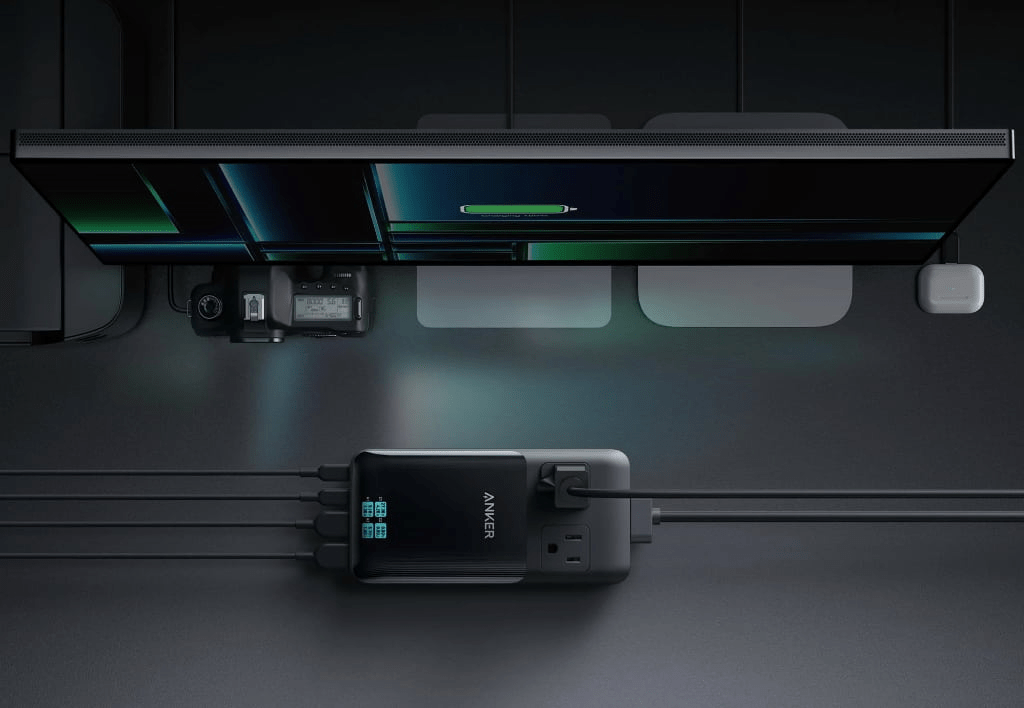
Power Strip Buying Guide For a Home Office Setup
Number of outlets and ports you need
The first question that you need to ask yourself is about the number of outlets and ports that you actually need. Power strips have varying designs, shapes, and sizes. So you should know the devices that you will use alongside the power strip in your home setup. Once you have determined the number, you then have to add at least two or three more to accommodate future devices or equipment. This is a good aspect of the power strip that you can start with when deciding on the perfect product for you.
Compatibility of ports and outlets
You should now determine the compatibility of the ports and outlets to your devices. You have to remember that newer phones, tablets, and laptops only work with a specific generation of USB. Most power strips will have the usual power outlet, USB-A ports, and USB-C ports. You must look at the specifications of the ports to know if they are indeed suitable for your devices. You must also know if they have the right power capacity to supply the energy to your gadgets. Once determined, you can now move on to the next power strip guide.
Length of the cord
The next contributing factor to the effectiveness and usability of power strips is the length of the cord. Your power strip must have an appropriate place for it. You can only choose the right desk area if your power strip has the right length of cord. The most usable power strip length is usually 5 feet or more. This is a good length for your power strip to be situated anywhere on the table. You can determine this feature by looking at the product details and checking the actual length of the power strip cord.
Safety features
Your power strip should be able to protect you and your device upon every use. It should have safety features to make sure that all your gadgets are well looked after. This is a prime consideration for most people because they would like to shield the device from overheating and overcharging. Companies like Anker even have ActiveShield technology that gives 24-hour monitoring and six million temperature checks Your power strip should also have these kinds of features to keep your whole work area safe day in and day out.

Conclusion
You should choose a power strip for your home setup based on the categories listed above. The power strip should have the right number of outlets and ports. It should be higher than you need for future-proofing your charging. The length of the cord is also of utmost importance because it determines the distance that your power strip can be placed on the table. It should also have safety features so that you can be protected while using these power stations. At the end of the day, it will always rely on the usability, functionality, and quickness of the device.