

Dedicated server rental is not simply a transition to more powerful infrastructure. It represents a change in the architectural model. Instead of a virtual environment with shared resources, the company receives a physical machine fully dedicated to a single project.
Most online services start with shared hosting or a VPS. At an early stage, this is sufficient: the load is moderate, resources are allocated programmatically, and scaling is relatively fast. However, as the project grows, limitations begin to appear. Performance starts to depend not only on internal tasks but also on the hosting model itself.
When stability, predictable response times, and hardware isolation become critical, renting a dedicated server becomes a logical step. Some providers also offer rent to own dedicated servers as an alternative model for companies planning long-term infrastructure ownership.
Step 1. Define the Nature of the Workload
Before selecting a configuration, it is important to understand what type of load the project generates. A physical server cannot be scaled instantly like a cloud instance, so the initial parameters must match real requirements.
If the system actively works with databases, RAM capacity and disk subsystem performance become key factors. If computationally intensive operations are performed, the priority is the processor and the number of cores. For web platforms with a high number of simultaneous connections, network bandwidth is essential.
It is important to consider not only the average load but also peak load. A dedicated server must handle maximum workload scenarios; otherwise, urgent infrastructure migration may be required.
Step 2. Choose the Appropriate Hardware Configuration
A dedicated server is a physical node with specific hardware characteristics. The main parameters are the processor, RAM, storage, and network interfaces.
- The processor determines computing power. For virtualization, containerization, and parallel workloads, multi-threaded, server-grade CPUs are preferable.
- The amount of RAM affects caching and application performance. Insufficient RAM leads to disk access and increased latency.
- The type of storage determines read and write speeds. NVMe drives provide significantly higher performance compared to SATA SSDs, especially under transactional workloads.
- Network connectivity must match traffic volume and latency requirements. It is important to consider not only port speed but also routing stability.
When renting a server, it is necessary to ensure that resources are not shared with other customers and that the specifications match the declared characteristics.
Step 3. Choose the Management Model
Dedicated servers are provided in two main formats: unmanaged and managed.
- In the unmanaged model, the provider is responsible only for the hardware, power supply, and network. The client independently installs the operating system, configures security, and administers the server.
- In the managed model, part of the operational tasks is handled by the data center operator. This may include system updates, monitoring, and basic support.
The choice depends on the competence of the internal team. If the company has experienced system administrators, unmanaged provides maximum control. If internal expertise is limited, managed reduces operational risks.

Step 4. Evaluate the Data Center Infrastructure
The quality of a dedicated server is determined not only by its configuration but also by the hosting environment.
A reliable data center provides power redundancy, fault-tolerant cooling, and independent network channels. This reduces the risk of downtime caused by external factors.
It is important to review the SLA level, physical security systems, and the availability of additional services such as Remote Hands. Even the most powerful server loses its value if it is hosted in an unstable infrastructure.
Step 5. Plan for Scalability
Although a dedicated server is a physical machine, scaling is possible but requires planning.
Growth can occur vertically – by increasing memory capacity or replacing the processor – or horizontally, by adding new servers and building a clustered architecture.
Before signing a contract, it is worth clarifying whether the provider allows hardware upgrades or migration without extended downtime.
Dedicated infrastructure performs best when growth is planned in advance rather than executed in emergency mode.
Step 6. Consider Security Requirements
Physical isolation is one of the key advantages of a dedicated server. No other customer uses your processor or memory.
However, security is not limited to hardware isolation. It is necessary to configure network filtering, access control, a backup strategy, and protection against external attacks.
A dedicated server provides full control over the system, but with that control comes full responsibility for its protection.
Step 7. Understand the Cost Structure
Dedicated server rental is usually provided on a monthly basis with a fixed price. Unlike cloud services, where payment depends on consumed resources, a dedicated server ensures a predictable budget.
The price is determined by the hardware class, network bandwidth, support level, and contract term.
Additional services – backup, extra IP addresses, extended support – may be billed separately. Before signing the agreement, it is important to clarify what is included in the base price.
Step 8. Deployment and Launch
After selecting the configuration, the server preparation stage begins.
The process typically includes operating system installation, network setup, security configuration, and application deployment. Timelines depend on hardware availability and the chosen service model.
Before moving to the production environment, load testing is recommended. This ensures that the configuration meets the actual requirements of the project.
When Dedicated Server Rental Is Justified
A dedicated server is suitable for projects with постоянной нагрузкой, requiring stable performance and hardware isolation. These may include databases, enterprise systems, e-commerce platforms, or data processing services.
It is less effective for short-term tasks and rapidly fluctuating workloads, where cloud flexibility may be more appropriate.
Dedicated Server or Cloud: What to Choose
Cloud infrastructure provides elasticity and rapid resource adjustments. A dedicated server provides consistent hardware characteristics and eliminates neighboring workloads.
Many companies use a hybrid approach: critical systems are hosted on dedicated servers, while variable workloads are moved to the cloud.
The choice depends on the project’s architectural strategy and business model.
When a Dedicated Server Becomes the Logical Step
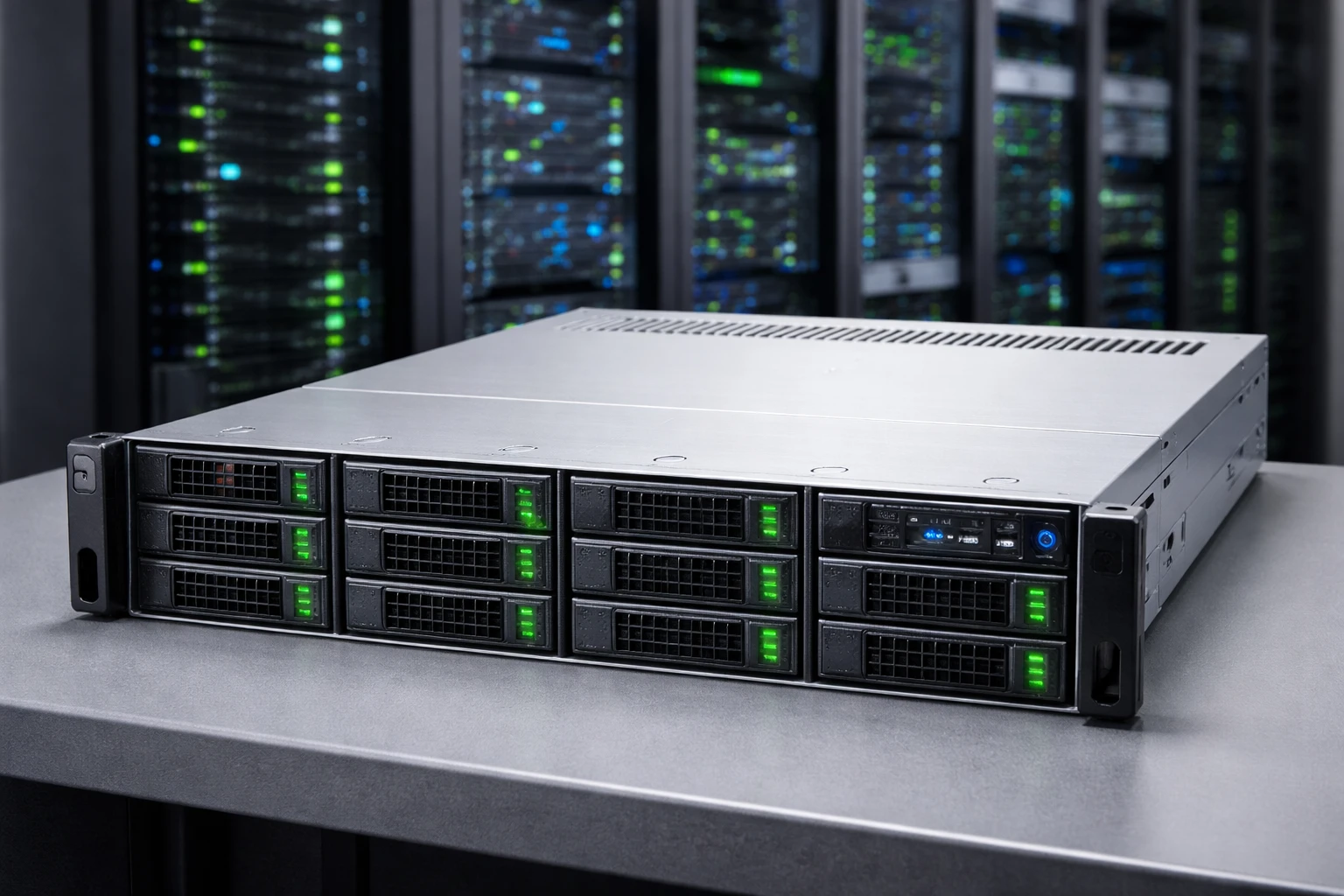
Dedicated server rental is a transition to infrastructure with full control over hardware resources without the need to purchase equipment.
A properly selected dedicated server ensures stable performance, isolation, and cost predictability. However, it requires careful planning and a clear understanding of workload requirements.
If the configuration matches the tasks and the data center provides a reliable environment, a dedicated server becomes a stable foundation for long-term IT infrastructure.