


There are plenty of in-house solutions and tools that businesses can add to their assets to be more profitable. One of them is a color-label printer that can give them extra revenue. However, there are some considerations when buying them because, for one, they are not cheap.
They can range from a thousand dollars or more depending on the features and specifications of the printer, so you might want to know exactly what you’re buying in the first place before spending. You might be tempted to select the lowest-priced printer in the market, but if you can’t buy the ink afterward, then they will still not work as intended. Fortunately, there are lots of low-cost ones in the market that can improve your productivity and efficiency, and below is one of them.
Discussing the Printer by Epson
It’s the first printing machine that has thermal transfers, and they deliver on demand. They are designed to provide more creative solutions, and the Epson ColorWorks CW-6000 Color Label Printers are going to exceed your expectations. They can support textured papers and they can print on vape bottles and tiny labels for your business. There are also matte black ink finishes that can be flexible on plain bond paper, so this is often considered to be user-friendly.
It’s also very easy to use where you can save on storage space because most of the operations are carried out in the front part of the machine. Roll placements can be from the left, right, and front, and there are also various tools that are going to help with the maintenance and configurations when needed.
There are monitoring and printer fleet management, as well as controls that can be done remotely. It also features a higher resolution on its print output with color-matching functionality and can give on-demand labels that are printed in no time.
About the Printing Labels
When looking at the different types of printers, you might want to see the kinds of labels that you’re going to print on, because compatibility is a must. The matte ones are often great with inks that are dye-based, and glossy paper is a good fit with the pigment-based inks. You might get smudges if you don’t do these things right after the first run, so do some research first.
There are also options for inkjets that are used for various texts and print graphics, as well as different label types. It’s a technology commonly found in homes and small businesses where the jobs include course labels, flyers, and brochures.
The printer works by spraying around a thousand droplets to create sharp images, and it’s often measured with dots per inch or DPI. Comparing the resolutions and quality is your best bet in this case.
Thermal types can be in the form of two types, which are thermal transfers and direct thermal. The former uses heat as active pigments from a specific ribbon to create an ink mark. On the other hand, heat is applied with direct thermal printers to make the paper darker, which is often seen in receipts and shipping labels. However, some of them can be easily erased over time, so this should be taken into consideration as well.
For the color labels, there are various choices available, and you can narrow this down to the inkjets. They are in the form of ColorWorks that have auto-cutter features. The printed results can withstand fading, moisture, abrasion, and handling, and there are various resolutions that you can choose from. Peelers are also available because they can be applied while the products are still on the assembly lines. See more about the ink-jet types on this site here.
Key Features to Know About
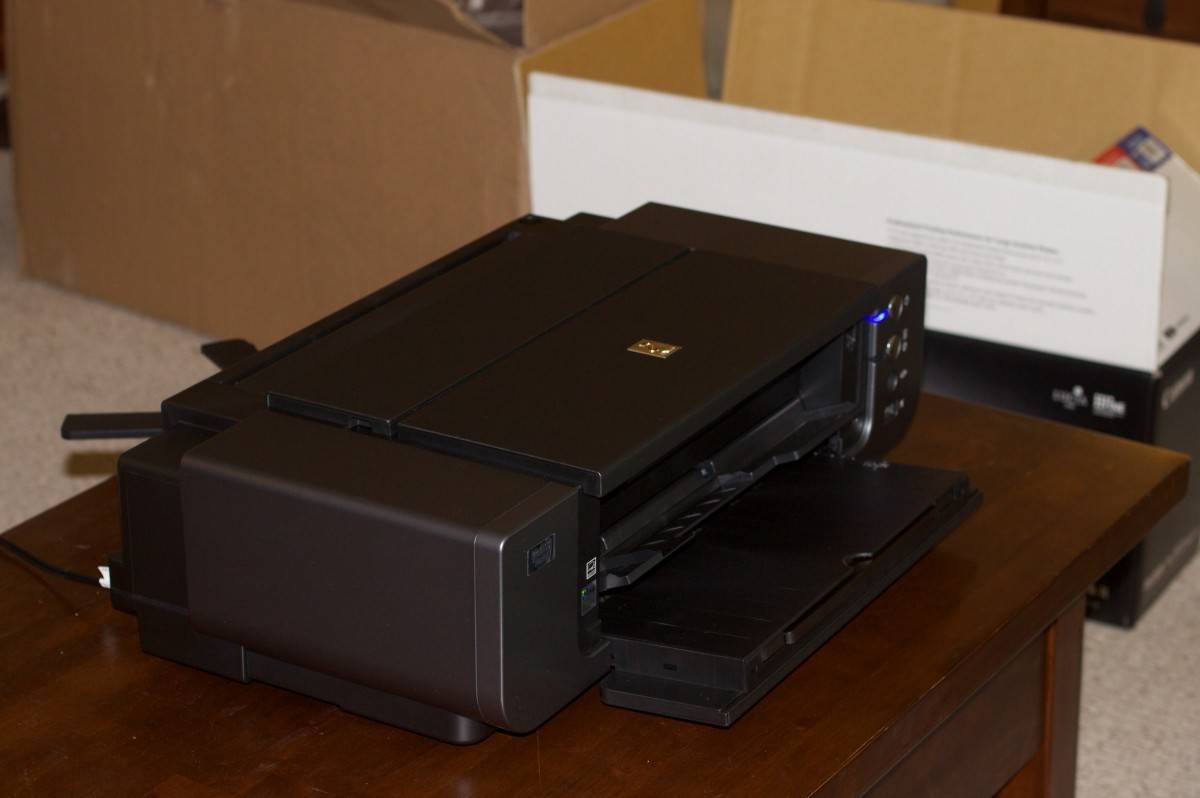
It’s engineered by Epson so you can meet demanding deadlines and other applications in the industry. It’s also the first one to have speed and media handling capabilities at different price points, and there’s enhanced productivity. You can also count on the outstanding image quality that’s up to 1200 DPI with crisp photos on pre-printed labels.
You can integrate it with Windows, Mac, Linux, and SAP if needed. They’re able to manage large fleets of networks, and there’s automated workflow and support commands if needed. They are also very durable and resistant to peeling.
When the environment is too hot, know that the thermal labels can be at risk of fading and melting, and they have limited colors, so the choices are more restricted to resin and wax ribbons. See more ways of
adding printers here: https://www.wikihow.tech/Add-a-Printer.
Sizes of the Labels Being Printed
Define and determine the size of the labels first to ensure better results and accuracy. Determine the print widths and see if the printer can handle it. For example, different machines are used for chemical drum labels and the ones for lip balm products, so know exactly what you need in the first place.
Consumables are also a primary factor that you need to consider because you will need to buy ink, cartridges, maintenance accessories, and label rolls. There are the ones that are going to use less ink especially if the design uses all three red, blue, and yellow primary colors.
The tri-color will require a replacement once one of the inks runs out. Those designs without any white spaces and full of vibrant hues will require more, so consider the costs as well.
Label costs are going to be cheaper if you purchase them in rolls. However, avoid getting a lot of stocks and have a better understanding of what you can produce each month, so they don’t take a lot of storage.
You might also want to consider outsourcing the tasks to a producer and compare the overhead start-up ink costs. Compare which choice is going to make more sense and which ones are going to be more profitable in the long run.
For print head costs, this is one of the more essential parts that you shouldn’t miss. They often need to get replaced and fortunately, the ColorWorks product line won’t let you down in this regard. They often have print heads that can last with the machine’s lifetime, so this is one less thing that you should worry about.